


Filter(0 Filters applied)
Ergonomic chairs
An ergonomic chair is chosen for how it adapts to the body, not just for its appearance. What makes the difference are its adjustments: a height-adjustable seat to rest your feet flat on the floor with your knees at a right angle, armrests that relieve pressure on your shoulders and neck, and a backrest that supports the lumbar curve during hours spent in front of a screen.
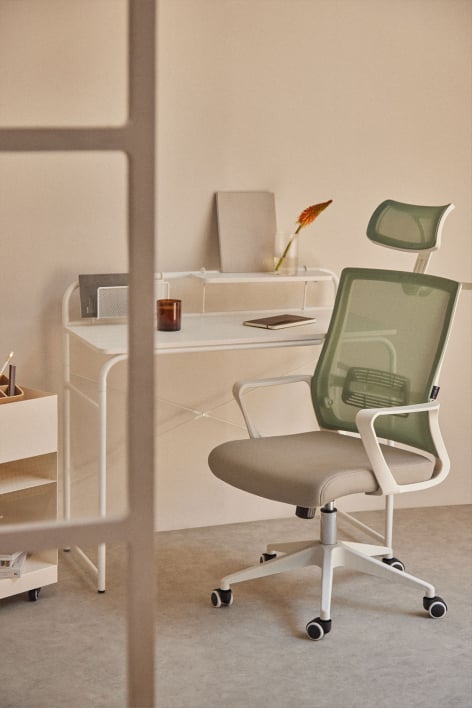
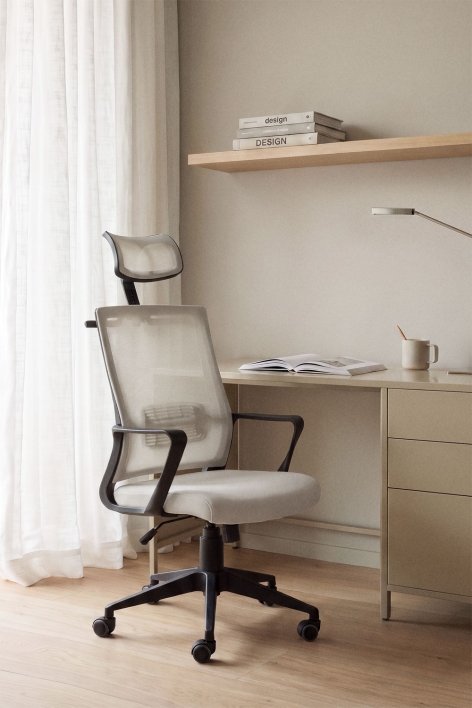
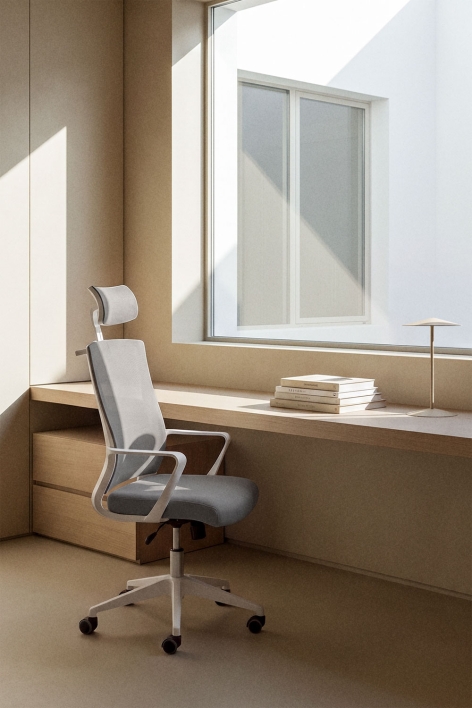
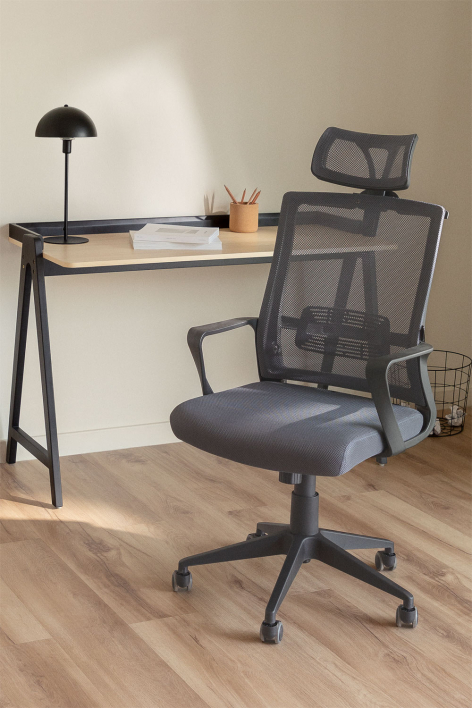
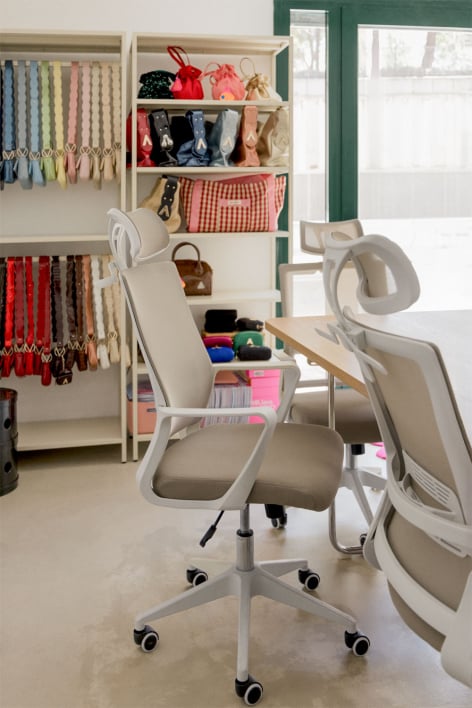
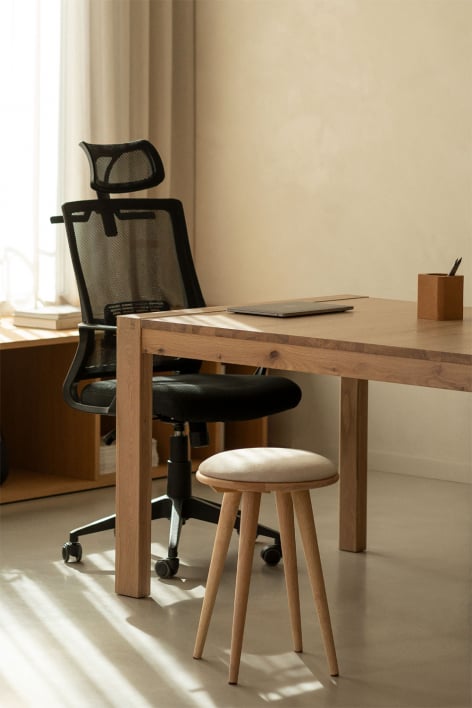
At Sklum, you can find ergonomic swivel chairs with wheels and polypropylene shells, available with armrests or headrests for those who spend the day sitting. An ergonomic posture chair helps keep your back supported and your pelvis stable, two key factors in reducing fatigue during long work sessions. The same principle applies to different uses. An ergonomic chair for working from home organizes your workspace without sacrificing comfort. It can also be used as an ergonomic chair for studying during long reading and computer sessions; or for leisure time, an ergonomic gaming chair with a headrest allows you to rest your neck.
6 products in Ergonomic chairs
BLACK NOVEMBER
BLACK NOVEMBER
BLACK NOVEMBER
BLACK NOVEMBER
You have seen 6 products from 6
Ergonomic chairs: how to adjust the seat to your body and your hours of use
Sitting for hours isn't tiring because of the time itself, but because of your posture. An ergonomic chair is adjusted so that your feet rest flat on the floor, your thighs are parallel to it, and your forearms are at the same height as the table. When these points of reference are aligned, your back no longer has to compensate, and fatigue sets in later.
The difference lies in the mechanisms: the gas piston adjusts the height, the swivel base prevents twisting, and the wraparound backrest supports the lumbar region. The polypropylene shell is lightweight, withstands the daily use of an ergonomic office or home chair, and can be cleaned with a damp cloth.
Types of ergonomic chairs
| Guy | Technical specifications | Design or use opportunity |
|---|---|---|
| Medium backrest with armrests | Adjustable height, 360-degree rotation, and arms that relieve pressure on shoulders and wrists. | An ergonomic chair for teleworking or studying at standard height tables. |
| High backrest with headrest | Extended backrest that supports the dorsal and cervical area, with integrated or adjustable headrest. | Long days in front of multiple screens or gaming sessions where the neck needs support. |
| With adjustable lumbar support | Reinforcement at the bottom of the backrest that adjusts in height or depth according to the back of each user. | People who notice strain in the lower back or who share a workstation with other users. |
| Reclining with position lock | Tilting backrest that can be fixed in several positions, with adjustable tension according to weight. | An ergonomic reclining chair allows you to alternate between concentration, calls, and breaks without getting up. |
Advantages of an adjustable seat
- Stable posture: an ergonomic postural chair keeps the pelvis supported and the back in contact with the backrest, which distributes the weight and reduces accumulated tension.
- Adaptation to each user: height, arms and tilt are adjusted in seconds, something useful when the workstation is shared at home.
- Effortless mobility: the swivel base and wheels allow you to reach drawers or change screens without turning the column.
Tips for choosing an ergonomic seat
Start with the table: the seat should allow your elbows to rest at a right angle on the tabletop. If your feet don't reach the floor, use a footrest instead of lowering the chair. The seat depth should allow a few fingers' width of space behind your knees. If you spend more than six hours sitting, the headrest and tilt mechanism become more important. Every few months, check the base screws and clean the casters.
Frequently asked questions about sitting ergonomics
-
At what height should the seat be positioned?
The ideal height allows you to rest your feet flat on the floor with your knees at a right angle and your elbows level with the tabletop. With a standard table, this is usually between 42 and 52 centimeters, although the most important factor is the relationship between your height, the table, and the chair.
-
How is it different from a conventional office chair?
An ergonomic chair is defined by its ability to adjust to the body; a conventional office chair, by the space where it's used. When posture and prolonged use are priorities, it's best to focus first on the height, armrests, backrest, and tilt adjustments.
-
Is an ergonomic gaming chair suitable for work?
Yes, as long as it has the same adjustments as an office chair. It usually includes a high back and headrest, which are useful for long workdays. Check that the height and armrests are adjustable and that the backrest doesn't force you to hunch your shoulders forward.
-
What is lumbar support for?
To support the natural curve of your lower back and prevent it from flattening when sitting, so your spine stays aligned without continuous effort. If adjustable, position it at waist level; if you feel pressure, lower it or reduce its depth.
-
Which seat is best for studying for several hours?
One that is height-adjustable, with a supportive backrest and armrests that don't interfere with the table. An ergonomic study chair should allow you to approach the desk without slouching. In compact bedrooms, a beige or white ergonomic chair lightens the space.
Design, quality and experience
A good chair is less noticeable the better it works: it doesn't force you to change position every few minutes or leave your back feeling heavy at the end of the day. Adjustments, materials, and the shape of the backrest matter as much as its presence in the room.
At Sklum you can find ergonomic chairs with armrests or headrests in a variety of colors. Browse the collection and compare heights, backrests, and finishes until you find the one that best suits your work style.